OnePlayer - HD Video Player
- 4.2
- Rating
- 1.00M
- Installs
- Free
- Price

 Analysis by App-foxy
I spent my time with OnePlayer - Video Downloader as a practical video tool rather than treating it like another ordinary media player. Its main appeal is simple: it brings video downloading and playback together, so I can move from finding a clip online to watching it later without constantly switching between separate apps. That sounds small, but it changes how useful the app feels when my connection is unreliable or when I want to keep a video available for a later moment.
Developed by Dovi Tools, this free app sits in the video players and editors category and is aimed at people who want more control over how they watch online content. It has a 4.4 average from around 7.9 thousand ratings, with more than 1 million installs, which gives it a fairly established presence. I also like that its content rating is Everyone, making the basic concept approachable for a wide range of users.
The important point is not simply that OnePlayer can download videos; it is that downloading becomes part of the viewing workflow. Instead of saving a video through one tool and opening it in another, I can think of the app as a bridge between online discovery and offline playback. That is the capability worth examining closely, because its value depends less on a flashy interface and more on whether it makes everyday viewing less frustrating.
You May Also Like

 Blood Strike: 2.5 Anniversary
Blood Strike’s Loadouts Turn Every Drop Into a Tactical Gamble
A close look at Blood Strike’s custom loadouts: how fast access to signature weapons reshapes its battle royale rhythm, rewards preparation, and narrows the gap between fights.

 Pandora - Music & Podcasts
Pandora’s Music Is Easy to Start, but Harder to Recover
Pandora’s strength is its low-effort path from a seed to a station. Its weak spot is how much confidence it asks you to place in connection, setup, and quiet recovery.

 8 Ball Pool
 Is Built on Rivalries, Rematches, and Routine
A close look at the rivalries, rematches, shared routines, and unanswered safety questions that turn a quick pool match into a persistent mobile community.

 Samsung Music
’s Quiet Strength Is Playing What You Already Own
Its reach comes less from spectacle than from dependable access to a personal library. That simplicity is both the app’s strongest retention engine and its ceiling.

 AccuWeather: Weather Radar
AccuWeather Review: A Quick, Clear Forecast for Everyday Decisions
For everyday plans, the best forecast is the one you can understand quickly. AccuWeather makes rain timing, radar, and local conditions easy to act on, with a few trade-offs.

 Hill Climb Racing
Why Hill Climb Racing Still Turns Crashes Into One More Run
A tiny car, a bumpy hill and one more upgrade: Hill Climb Racing keeps resurfacing because its simple chaos makes every near-miss feel personal.
More From Our News Desk



Downloading changes the way I plan to watch
When I watch videos only through a website, I am depending on a stable connection, a working page, and the continued availability of that content. OnePlayer’s central function addresses the first two problems by supporting video downloads from websites and allowing smooth online or offline playback. In daily use, that makes the app especially relevant for travel, weak-signal areas, limited data plans, and moments when I know I will want to watch something more than once.
I found the offline angle more useful than the word “downloader” might suggest. A download is not only about keeping a file permanently. It can also be a short-term preparation step: save a tutorial before leaving home, keep a language lesson ready for a commute, or store a long video before entering a place where mobile reception becomes unpredictable. The app becomes more valuable when I plan ahead instead of waiting for a video to buffer at the exact moment I need it.
There is also a practical difference between downloading and bookmarking. A bookmark remembers where a video is located, but it does not guarantee that the page will load quickly later. An offline copy removes that uncertainty. That makes OnePlayer a better fit than a normal browser for people who repeatedly revisit instructional material, reference clips, or other videos they have a legitimate reason to keep available.
At the same time, I would not treat the download function as a universal solution for every online video. Websites can organize their content differently, and the experience may depend on how a particular page presents its video. I would use the app with content I am allowed to save and would still check the source’s terms. That is not a minor detail: the technical ability to download something does not automatically grant permission to redistribute it.
What the combined workflow feels like
The most convenient pattern is straightforward. I locate a video, use OnePlayer when I want an offline copy, and then return to the app when I am ready to watch. That reduces the clutter that can build up when downloaded files are scattered across folders or opened through unrelated players. For someone who wants one place for saved viewing, this is a sensible design choice.
Online playback remains useful when I do not want to spend storage space on a video. I can watch immediately when the connection is good, then decide whether the video deserves offline access. This gives the app two roles without forcing me to choose one permanently: it can behave like a regular online player for casual viewing and like a prepared library for planned viewing.
My advice is to decide before downloading whether the video is something I will actually watch offline. Saving everything can quickly turn a helpful library into a confusing pile. I would keep downloads grouped mentally by purpose, such as travel, study, or repeat viewing, and remove items once they are no longer useful. The app’s real benefit comes from reducing friction, not from collecting files indefinitely.
Another useful habit is to download longer videos while connected to a reliable network rather than waiting until departure time. This avoids turning a last-minute task into a test of mobile data and patience. It also gives me a chance to confirm that the saved video plays correctly before I need it. That small check is one of the most practical ways to avoid disappointment during a journey or presentation.
A realistic everyday example
Imagine that I am preparing for a train trip and want to watch several educational videos on the way. Streaming them during the journey could be inconvenient because the signal may change between stations. With OnePlayer, I can prepare the videos in advance, open them offline, and keep my attention on the material instead of watching a loading indicator. When I return home, I can go back to online playback for videos I did not save.
The same workflow works for a cooking tutorial. I might find a recipe video while shopping, but I do not want to hold my phone in a kitchen while relying on a weak connection. Saving the video beforehand means I can watch the relevant steps without depending on the website loading again. The advantage is not dramatic technology; it is dependable access at the moment when dependable access matters.
For students, the app can be useful when a video lesson needs repeated viewing. Downloading first can make replaying a difficult section less distracting, especially when the material is longer than a quick social clip. For families, the Everyone rating makes the app easier to consider as a general-purpose player, although the suitability of any downloaded video still depends on the content itself and the source it came from.
Where OnePlayer fits beside familiar alternatives
A mobile browser is still the simplest option for one-off viewing. If I am watching a short clip once while connected to reliable Wi-Fi, opening a browser may be faster than managing a separate app. OnePlayer earns its place when I care about repeat access, offline viewing, or keeping the playback part of the experience in one dedicated space.
A standard phone gallery or file manager can sometimes open downloaded videos, but those tools are not designed around the discovery-to-playback journey. They may show files without giving the experience the same sense of continuity. OnePlayer is more focused: the app is built around watching, whether the source is online or the video has already been saved.
Dedicated streaming services can be better when their own official offline mode is available. Those services usually provide a more controlled catalog and a clearer relationship between the content and the download feature. OnePlayer is more flexible because it is intended for videos from websites, but that flexibility also means the experience can vary from one site to another. I would choose an official service when I want the most predictable support for its own library, and OnePlayer when I need a broader video workflow.
A separate download utility paired with a separate media player may offer more specialized controls, but it also creates extra steps. I would need to find the video in one place, manage the saved file somewhere else, and open it through another interface. OnePlayer’s advantage is convenience rather than deep specialization. It is a good middle ground for people who want fewer moving parts and do not need a highly technical media-management setup.
That trade-off is important. Users who care about advanced file organization, detailed playback controls, or a very specific media format experience may prefer a dedicated player. OnePlayer is more appealing to someone who values a direct path from website to viewing. I see it as a focused convenience tool, not a replacement for every kind of video software.
Small decisions that improve the experience
I would begin with a short test download rather than immediately saving a very long video. That confirms that the particular website works as expected and lets me understand where the saved item appears in my viewing workflow. It is a better approach than discovering a compatibility issue only after leaving a reliable connection.
I would also treat offline viewing as a planning feature. Before a flight, trip, appointment, or study session, I would prepare the videos I genuinely expect to use. This turns OnePlayer from an emergency download button into a personal queue for specific situations. The distinction matters because planned downloads are easier to find and less likely to waste storage.
For repeated viewing, I would save only the version I need and avoid making multiple copies of the same material. If I am using a video as a reference, I would note its purpose when I save it, especially if I expect to collect several similar clips. The app is most useful when it reduces searching later, and that depends on disciplined selection as much as on the download capability itself.
Finally, I would keep online playback in the workflow when offline access is unnecessary. Downloading every video adds a management burden and can consume storage. The flexible approach is to stream casual content and reserve downloads for videos that solve a real problem: unreliable connectivity, repeated viewing, or a planned period without access.
The limitations I noticed before recommending it
The biggest limitation is that “from any website” should not be interpreted as a promise that every page will behave identically. Websites differ in how they present video, and some may restrict saving or require a different viewing method. I would not install OnePlayer expecting every online video to become a downloadable file with one consistent result.
There is also a responsibility issue. Downloading a video for personal offline viewing is different from reposting it, sharing it publicly, or using it commercially. I would keep the app’s use within the rights granted by the source. That makes OnePlayer more comfortable for personal study, travel viewing, or permitted reference material than for building a redistribution library.
Storage is another practical trade-off. Offline playback removes connection problems, but saved videos still occupy space on the phone. A user with limited storage should be selective and clear older downloads regularly. This is not a flaw unique to OnePlayer, but it affects whether the central feature feels liberating or burdensome in practice.
The app is free to install, while in-app purchases range from $1.99 to $12.99 per item. That means I would start with the free experience and decide whether any optional purchase offers enough value for my habits. Someone who only watches occasional videos may never need to spend anything, while a frequent downloader may judge the additional options differently. I would make that decision based on actual use rather than assuming the purchase is necessary from the start.
The current version is 2.3.18 and it requires Android 7.0 or later. That makes checking the phone’s Android version worthwhile before installing, especially on an older device. On a compatible phone, the app’s practical value will still depend on available storage, network quality during downloads, and the behavior of the websites being used.
I would skip OnePlayer if my viewing is almost entirely inside one streaming service with a strong official offline mode. I would also look elsewhere if I need a professional media library, complex file tagging, or specialized editing tools. Although it belongs to the video players and editors category, its strongest identity is viewing and downloading rather than serious video production.
Who benefits most from the central feature?
The best match is someone who regularly watches videos from different websites and wants offline access without juggling several apps. Travelers, commuters, students, people with inconsistent reception, and viewers who replay tutorials can all gain something concrete from the combined workflow. The benefit becomes especially clear when a video matters at a time or place where streaming cannot be trusted.
It is also a good fit for users who prefer a simple decision: watch online now or save it for later. OnePlayer does not require me to build a complicated media system before it becomes useful. I can use it casually, then rely on offline playback more heavily when a particular routine demands it.
Less suitable are people who rarely leave strong Wi-Fi, never replay videos, or already have a preferred official download system. Those users may find that a browser or existing streaming app is enough. Likewise, anyone expecting a full editing suite should adjust their expectations; the app’s value is in access and playback, not in turning it into a production workstation.
After using it with that distinction in mind, I see OnePlayer as a practical specialist rather than an all-purpose video solution. Its strongest idea is the handoff from website to offline viewing, and that handoff can remove a surprising amount of everyday annoyance. If you often think, “I wish I had saved that before leaving,” this is the kind of app worth trying.
My recommendation is to install it when offline video access is a recurring need, test it with the websites and content you actually use, and keep your saved library selective. For casual one-time streaming, it may add an unnecessary step. For planned viewing, unreliable connections, and repeat access, Dovi Tools has created a useful free option that keeps the most important parts of the process together. That focused purpose is why I would recommend OnePlayer - Video Downloader to a friend who wants dependable video access without assembling a separate downloader and player.
FAQs for OnePlayer - HD Video Player
01What is OnePlayer - Video Downloader and how does it work?
OnePlayer - Video Downloader is an application designed to help users easily download videos from various websites directly to their devices. It supports multiple formats and resolutions, allowing for offline viewing. To download a video, simply paste the URL into the app, choose your preferred format, and start the download process.
02Is OnePlayer - Video Downloader safe to use?
Yes, OnePlayer - Video Downloader is considered safe to use as long as it is downloaded from reputable sources like the Google Play Store or Apple App Store. It is important to ensure that you have the latest version to avoid any security vulnerabilities. Always be cautious and avoid downloading from unofficial sources.
03Does OnePlayer - Video Downloader support downloading from all websites?
While OnePlayer - Video Downloader supports a wide range of websites, there are some restrictions. Certain websites may have terms of service that prohibit downloading content. It’s advisable to check whether downloading videos from a specific site is allowed to avoid any legal issues.
04Can I download videos in different resolutions and formats with OnePlayer?
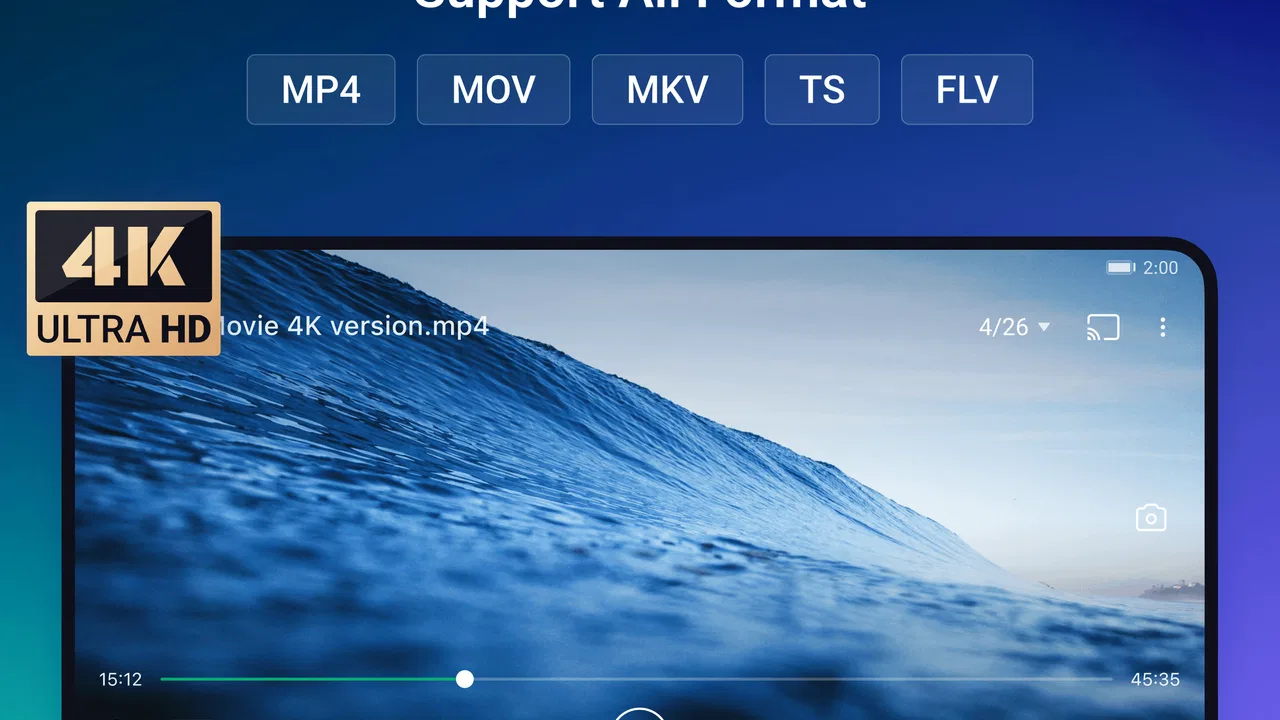
Yes, OnePlayer allows users to download videos in various resolutions and formats. This flexibility lets you choose the best quality for your device and storage capacity. Options typically include MP4, AVI, and other popular formats, as well as resolutions ranging from low quality to high definition.
05Is there a limit to the number of videos I can download with OnePlayer?
There is no specific limit imposed by OnePlayer on the number of videos you can download. However, limitations might be determined by your device's storage capacity and your internet bandwidth. It's recommended to monitor your available storage space to avoid any disruptions while downloading.
Pros
- Easy-to-use interface for quick navigation.
- Supports multiple video formats seamlessly.
- Allows batch downloading for efficiency.
- High-speed download without quality loss.
- Integrated media player for instant playback.
Cons
- Contains ads that may disrupt usage.
- Limited features in the free version.
- No option for cloud storage integration.
- Requires frequent updates for stability.
- In-app purchases can be costly.

OnePlayer - HD Video Player
Gallery